# Packaging notebook introduction and demo
This tutorial demonstrates how powerful packaging your Python code
can be ... even for yourself.
Before we get ahead of ourselves. Let's think about the **WHY**.
You might ask yourself:
- why would I want to package my code?
- can't I just pass around notebooks?
- what's the point of all this?
- what is the meaning of life?
... well, maybe not the last one. But the others are valid questions.
## The Python Terms Hierarchy
Here's a hierarchy of Python terms that we will cover,
from smallest to largest, to help you understand the relationship between modules, packages, and libraries:
 A python package may look like the following:
```console
mypackage/
__init__.py
module1.py
module2.py
subpackage/
__init__.py
submodule1.py
submodule2.py
```
Within the `mypackage` package and its subpackages, you might import functions from a dependency like `numpy`
within a module file. Once this set of packages is bundled together and distributed,
you'll end up essentially with a library that can be installed and used by others.
This action of bundling your code together into a package or library is called "packaging" your code.
Phew! That was a lot of information. Let's break it down a bit, term by term.
## What is a package?
A "package" is simply an organized directory of Python files,
**especially containing an `__init__.py` file**,
that can be installed and distributed for use by others.

Let's think about this in a simpler term. We can think of a
package like a room in a house. Say the "bedroom" is a package.
Inside the bedroom, you have a bed, a nightstand, and a closet.
- The bed and nightstand are like *modules* in a package.
- The closet is like a *sub-package* in a package, since there might be other
furniture pieces in a closet like a dresser; some closets can even be a whole room!
## What is a module?
A module is a single file of Python code that can be imported into Python
scripts or other modules.
This is the smallest unit of code reuse in Python.
You'll see these as `.py` files.
As example, you can create a `hello_world` module by doing the following:
1. Create a file called `hello_world.py` with the following content:
```python
def say_hello():
print("Hello, World!")
```
2. Then, you can import this module in another Python script or notebook:
```python
from hello_world import say_hello
say_hello()
```
This will print `Hello, World!` to the console.
This is a simple example of a module, but you can have more complex modules with many functions and classes.

Going back to the bedroom analogy, a module is like a single piece of furniture in a room.
For example, a bed is a piece of furniture that we spend most of our life on,
this "bed" might be made up of various parts like a headboard, frame, and mattress.
Each of these parts can be thought of as a function or class in a module.
## What is a library?
A library is a collection of modules and packages that provide specific functionality or a set of related functionalities.
In the Python ecosystem, a library is often used interchangeably with the term "package", and this can be confusing.
For example, [Matplotlib](https://matplotlib.org/) is a plotting library that contains many modules to help you plot data
or [Xarray](http://xarray.pydata.org/en/stable/) is a library that includes several modules and packages to help you work with labeled multi-dimensional arrays.
You can "include" these libraries in your program to add features without reinventing the wheel.
As a simple example, you can utilize xarray library's testing module to
import an
[`assert_equal`](https://docs.xarray.dev/en/stable/generated/xarray.testing.assert_equal.html)
function to test if two xarray datasets are equal:
```console
from xarray.testing import assert_equal
^ ^ ^
library module function
```
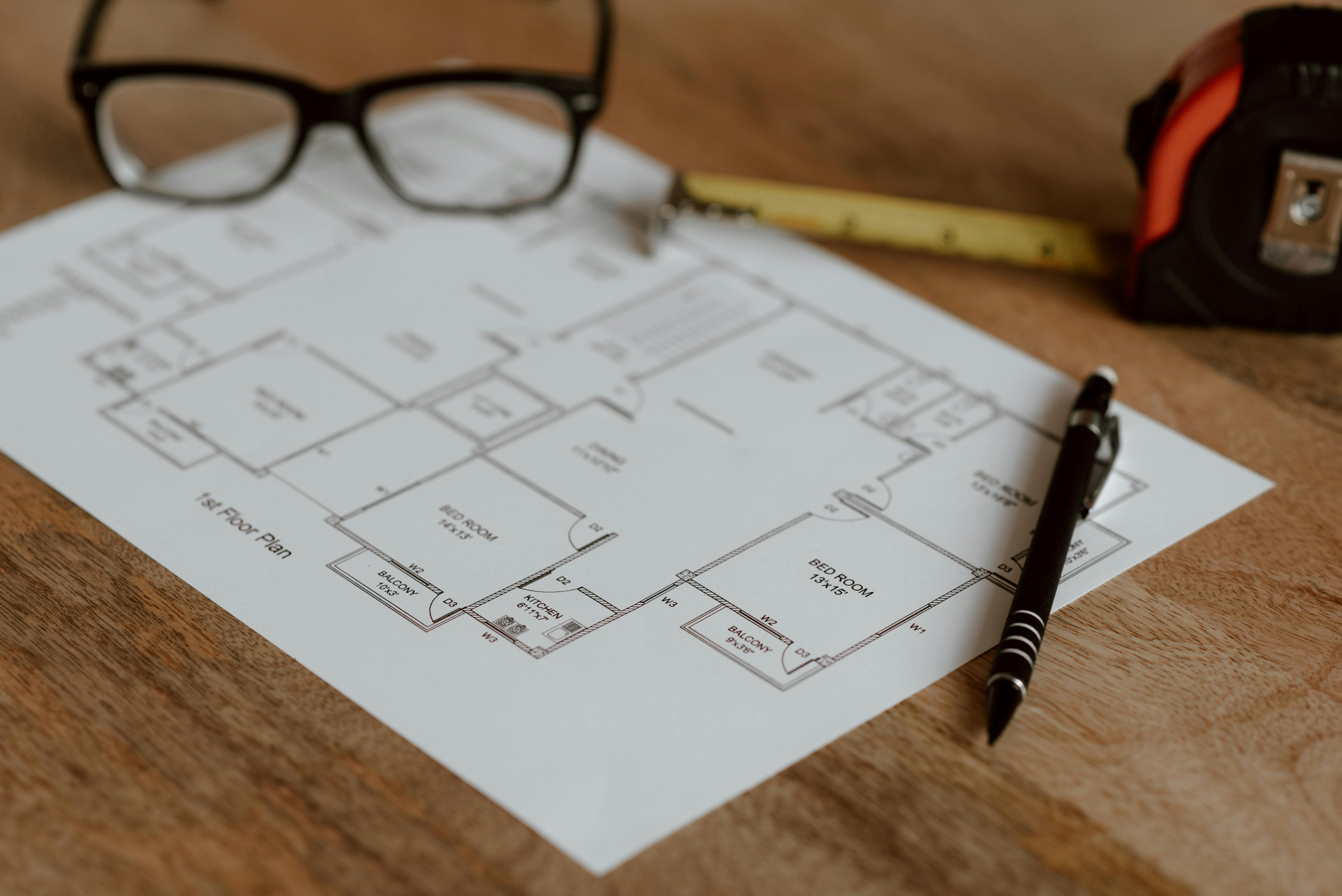
To make it clear, let's go back to the bedroom analogy.
A library is like a collection of rooms in a house, it is beyond just a single room.
It is the house itself, which contains many rooms.
Different house or even a commercial space might have different purposes and functionalities.
```{note}
For the rest of this tutorial, we'll use the term "package" to refer to a collection of code that can be installed and used by others,
which essentially means a **library**.
```
## Why package your code?
Now you know what it means for a collection of code to be a package.
But there's still the question of why you would want to package your code?
Here are some reasons:
- **Reusability**: you can reuse your code in other projects without having to copy and paste it.
- **Maintainability**: you can maintain your code in a single place and update it without having to update it in multiple places.
- **Collaboration**: you can share your code with others and they can use it without having to understand the internals.
- **Distribution**: you can distribute your code to others and they can install it like any other package.
## The workflow
At this point, hopefully you're convinced that packaging your code is a good idea.
But how do you do it? There are many ways to package your code,
but we'll focus on a simple way to package your code with a best practice workflow recommended by the [Python Packaging Authority (PyPA)](https://www.pypa.io/en/latest/),
a working group that maintains a core set of software projects used in Python packaging.
PyPA have a guide called the [Python Packaging User Guide](https://packaging.python.org/),
which is the authoritative resource on how to package, publish, and install Python projects using current tools.
We will follow the guide to package our code, but we'll simplify it a bit to make it easier to understand and more practical for our scientific software development workflow.
Here's an overview of what a full workflow from notebooks to a package looks like:

With this workflow, let's package a sample python code that we have in the [`sample.ipynb`](./sample.ipynb) notebook into a package called `eggsample`.
Simple enough? Well, let's get started!
## Simple Demo Exercise
1. First of all, let's think about the steps we need to take to package our code.
How would we break up this notebook to simple module(s)?
```{admonition} Answer
:class: tip dropdown
1. Extract `condiments_tray` variable and `EggsellentCook` class to a `eggsellent_cook.py` module.
2. Put the `eggsellent_cook.py` modules in a directory called `eggsample`.
```
2. Now that we have a directory called `eggsample`, how could I use
the code in the a new notebook?
```{admonition} Answer
:class: tip dropdown
1. Create a new notebook in the same directory as the `eggsample` directory.
2. Import the `EggsellentCook` class from the `eggsample` directory.
3. Then we can instantiate and run the command in the last cell of the sample notebook.
```python
from eggsample.eggsellent_cook import EggsellentCook
cook = EggsellentCook()
cook.add_ingredients()
cook.prepare_the_food()
cook.serve_the_food()
```
```
At this point, this is probably very familiar with most, if not, all of you.
However, this is not a "distribution package" yet. See note below.
````{note}
What you have imported is a ["namespace package"](https://docs.python.org/3/glossary.html#term-namespace-package), which is a relatively advanced feature that we will not be covering in this tutorial.
You can see this in action by simply importing `eggsample` and then putting a `?` on the imported module using `ipython`.
You'll see a `(namespace)` in the `String form` section of the output.
```ipython
import eggsample
eggsample?
# Output
# ...
# String form:
# ...
```
````
3. How do we make this a "distribution package"?
````{admonition} Answer
:class: tip dropdown
Simply add `__init__.py` file in the `eggsample` directory.
When importing the `eggsample` package this time, you'll see the `(namespace)` is gone.
```ipython
import eggsample
eggsample?
# Output
# ...
# String form:
# ...
```
````
Congratulations! You've just created a package! But we're not done yet.
4. Typically we probably have this structure where the notebook is in the same level as the package directory.
This is a common structure for a scientific project,
and totally works when you're developing a package on your local machine.
```console
mynotebook.ipynb
eggsample/
__init__.py
eggsellent_cook.py
```
However, how can we share this package with others?
````{admonition} Answer
:class: tip dropdown
1. You might zip the `eggsample` directory and share it with others.
2. Then they can unzip it in either:
a. The same directory as their notebook like the structure above.
b. A directory of their choices, say their home directory,
then they can add the `eggsample` directory to the system path in the notebook.
```python
import sys
sys.path.insert(0, "/home/user")
```
````
5. At this point, you might be thinking, "This is a lot of work to share a package!"
And you're right! Wouldn't it be nice if we could just install the package from PyPI
or even directly from github? Well, that's what we'll do in the next lesson.
## Summary
In this lesson, we've learned about the importance of packaging your code,
Python packaging terms and their hierarchy from smallest to largest,
and the workflow to package your code.
We've also gone through a simple demo exercise to package a sample python code that we have in the [`sample.ipynb`](./sample.ipynb) notebook into a simple package called `eggsample`. We even learned about "namespace packages", but that's a bit advanced for this tutorial.
This is a good start, but we've only covered the first 3 steps of the packaging workflow,
and even then, we've simplified it a bit.
There is one more step left to make it a "distribution package" that can be installed and used by others.
This step is the "Add Python package metadata" step in the workflow.
Go to the next lesson to learn more about this step and a more extensive lesson in packaging.
A python package may look like the following:
```console
mypackage/
__init__.py
module1.py
module2.py
subpackage/
__init__.py
submodule1.py
submodule2.py
```
Within the `mypackage` package and its subpackages, you might import functions from a dependency like `numpy`
within a module file. Once this set of packages is bundled together and distributed,
you'll end up essentially with a library that can be installed and used by others.
This action of bundling your code together into a package or library is called "packaging" your code.
Phew! That was a lot of information. Let's break it down a bit, term by term.
## What is a package?
A "package" is simply an organized directory of Python files,
**especially containing an `__init__.py` file**,
that can be installed and distributed for use by others.

Let's think about this in a simpler term. We can think of a
package like a room in a house. Say the "bedroom" is a package.
Inside the bedroom, you have a bed, a nightstand, and a closet.
- The bed and nightstand are like *modules* in a package.
- The closet is like a *sub-package* in a package, since there might be other
furniture pieces in a closet like a dresser; some closets can even be a whole room!
## What is a module?
A module is a single file of Python code that can be imported into Python
scripts or other modules.
This is the smallest unit of code reuse in Python.
You'll see these as `.py` files.
As example, you can create a `hello_world` module by doing the following:
1. Create a file called `hello_world.py` with the following content:
```python
def say_hello():
print("Hello, World!")
```
2. Then, you can import this module in another Python script or notebook:
```python
from hello_world import say_hello
say_hello()
```
This will print `Hello, World!` to the console.
This is a simple example of a module, but you can have more complex modules with many functions and classes.

Going back to the bedroom analogy, a module is like a single piece of furniture in a room.
For example, a bed is a piece of furniture that we spend most of our life on,
this "bed" might be made up of various parts like a headboard, frame, and mattress.
Each of these parts can be thought of as a function or class in a module.
## What is a library?
A library is a collection of modules and packages that provide specific functionality or a set of related functionalities.
In the Python ecosystem, a library is often used interchangeably with the term "package", and this can be confusing.
For example, [Matplotlib](https://matplotlib.org/) is a plotting library that contains many modules to help you plot data
or [Xarray](http://xarray.pydata.org/en/stable/) is a library that includes several modules and packages to help you work with labeled multi-dimensional arrays.
You can "include" these libraries in your program to add features without reinventing the wheel.
As a simple example, you can utilize xarray library's testing module to
import an
[`assert_equal`](https://docs.xarray.dev/en/stable/generated/xarray.testing.assert_equal.html)
function to test if two xarray datasets are equal:
```console
from xarray.testing import assert_equal
^ ^ ^
library module function
```

To make it clear, let's go back to the bedroom analogy.
A library is like a collection of rooms in a house, it is beyond just a single room.
It is the house itself, which contains many rooms.
Different house or even a commercial space might have different purposes and functionalities.
```{note}
For the rest of this tutorial, we'll use the term "package" to refer to a collection of code that can be installed and used by others,
which essentially means a **library**.
```
## Why package your code?
Now you know what it means for a collection of code to be a package.
But there's still the question of why you would want to package your code?
Here are some reasons:
- **Reusability**: you can reuse your code in other projects without having to copy and paste it.
- **Maintainability**: you can maintain your code in a single place and update it without having to update it in multiple places.
- **Collaboration**: you can share your code with others and they can use it without having to understand the internals.
- **Distribution**: you can distribute your code to others and they can install it like any other package.
## The workflow
At this point, hopefully you're convinced that packaging your code is a good idea.
But how do you do it? There are many ways to package your code,
but we'll focus on a simple way to package your code with a best practice workflow recommended by the [Python Packaging Authority (PyPA)](https://www.pypa.io/en/latest/),
a working group that maintains a core set of software projects used in Python packaging.
PyPA have a guide called the [Python Packaging User Guide](https://packaging.python.org/),
which is the authoritative resource on how to package, publish, and install Python projects using current tools.
We will follow the guide to package our code, but we'll simplify it a bit to make it easier to understand and more practical for our scientific software development workflow.
Here's an overview of what a full workflow from notebooks to a package looks like:

With this workflow, let's package a sample python code that we have in the [`sample.ipynb`](./sample.ipynb) notebook into a package called `eggsample`.
Simple enough? Well, let's get started!
## Simple Demo Exercise
1. First of all, let's think about the steps we need to take to package our code.
How would we break up this notebook to simple module(s)?
```{admonition} Answer
:class: tip dropdown
1. Extract `condiments_tray` variable and `EggsellentCook` class to a `eggsellent_cook.py` module.
2. Put the `eggsellent_cook.py` modules in a directory called `eggsample`.
```
2. Now that we have a directory called `eggsample`, how could I use
the code in the a new notebook?
```{admonition} Answer
:class: tip dropdown
1. Create a new notebook in the same directory as the `eggsample` directory.
2. Import the `EggsellentCook` class from the `eggsample` directory.
3. Then we can instantiate and run the command in the last cell of the sample notebook.
```python
from eggsample.eggsellent_cook import EggsellentCook
cook = EggsellentCook()
cook.add_ingredients()
cook.prepare_the_food()
cook.serve_the_food()
```
```
At this point, this is probably very familiar with most, if not, all of you.
However, this is not a "distribution package" yet. See note below.
````{note}
What you have imported is a ["namespace package"](https://docs.python.org/3/glossary.html#term-namespace-package), which is a relatively advanced feature that we will not be covering in this tutorial.
You can see this in action by simply importing `eggsample` and then putting a `?` on the imported module using `ipython`.
You'll see a `(namespace)` in the `String form` section of the output.
```ipython
import eggsample
eggsample?
# Output
# ...
# String form:
# ...
```
````
3. How do we make this a "distribution package"?
````{admonition} Answer
:class: tip dropdown
Simply add `__init__.py` file in the `eggsample` directory.
When importing the `eggsample` package this time, you'll see the `(namespace)` is gone.
```ipython
import eggsample
eggsample?
# Output
# ...
# String form:
# ...
```
````
Congratulations! You've just created a package! But we're not done yet.
4. Typically we probably have this structure where the notebook is in the same level as the package directory.
This is a common structure for a scientific project,
and totally works when you're developing a package on your local machine.
```console
mynotebook.ipynb
eggsample/
__init__.py
eggsellent_cook.py
```
However, how can we share this package with others?
````{admonition} Answer
:class: tip dropdown
1. You might zip the `eggsample` directory and share it with others.
2. Then they can unzip it in either:
a. The same directory as their notebook like the structure above.
b. A directory of their choices, say their home directory,
then they can add the `eggsample` directory to the system path in the notebook.
```python
import sys
sys.path.insert(0, "/home/user")
```
````
5. At this point, you might be thinking, "This is a lot of work to share a package!"
And you're right! Wouldn't it be nice if we could just install the package from PyPI
or even directly from github? Well, that's what we'll do in the next lesson.
## Summary
In this lesson, we've learned about the importance of packaging your code,
Python packaging terms and their hierarchy from smallest to largest,
and the workflow to package your code.
We've also gone through a simple demo exercise to package a sample python code that we have in the [`sample.ipynb`](./sample.ipynb) notebook into a simple package called `eggsample`. We even learned about "namespace packages", but that's a bit advanced for this tutorial.
This is a good start, but we've only covered the first 3 steps of the packaging workflow,
and even then, we've simplified it a bit.
There is one more step left to make it a "distribution package" that can be installed and used by others.
This step is the "Add Python package metadata" step in the workflow.
Go to the next lesson to learn more about this step and a more extensive lesson in packaging.